Want to know how many sentences are there in your text/paragraph? Our Sentence Counter Online makes it and fast for you. Just enter or paste your text/content and instantly get count sentences along with tracking words, characters, paragraphs, and reading time.
Your sentences will appear here as you type or paste text above.
🔒 Everything above runs on your device. Your text is never uploaded, logged, or stored anywhere.
What is a Sentence Counter?
The sentence counter is a simple writing tool that lets you know the number of sentences in any text, as well as the word count, character count and estimated reading time. A reliable sentence counter online can be invaluable for any task from editing a school essay to a blog post before it goes live, or even before checking client copy.
ALSO READ: Online Click Counter with CPS, Timer, History & Reset
This is a free sentence counter that’s more advanced than the others. This tool isn’t just counting periods and question marks and exclamation marks. This tool is recognize common exceptions such as decimals, abbreviations, and ellipses, and so the number you see is the number that actually matters. It is also a complete word sentence counter that gives you a list of sentences and words, so no need to refer to other tools.
Key takeaways:
- Counts sentences accurately, even around “Dr.”, “U.S.”, or “3.14”
- It works inside your browser, doesn’t require downloading, signing ning up, and is to use.
- Can be used as a word sentence counter, not just a sentence counter
- Long sentences that are hard to read are automatically flagged as you type.
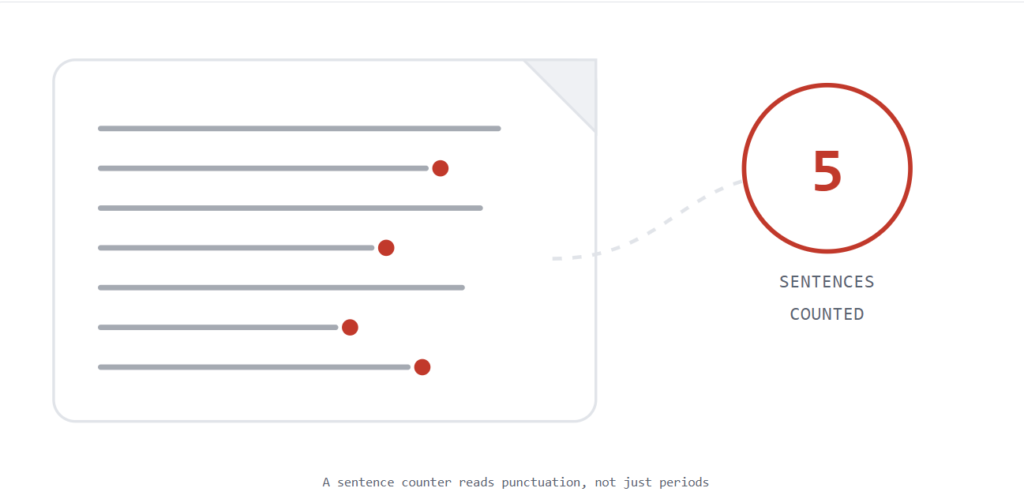
How the sentence counter works in a Paragraph?
Simple rule is that if you want to count sentences in a paragraph yourself, then count every period, question mark, and exclamation point. In reality, it is not always that simple, since there are lots of periods that are not sentence terminations.
- Start right after any capital letter that begins a new thought.
- End at a period, question mark, or exclamation point (or a mix, like “?!”).
- Note that abbreviations such as Mr., Dr., e.g., and U.S. have periods that do not end sentences.
- Be alert for decimals such as 3.14 or 12.5 (period is within the number, not a sentence break).
- Be aware of ellipses (scattered dots “…”) that may run on rather than stop a thought.
It’s a tedious, time-consuming task and prone to error task for a long document, and that’s where a sentence counter comes into the picture. Copy and paste your paragraph into the tool above and it will apply the same rules automatically each and every time!
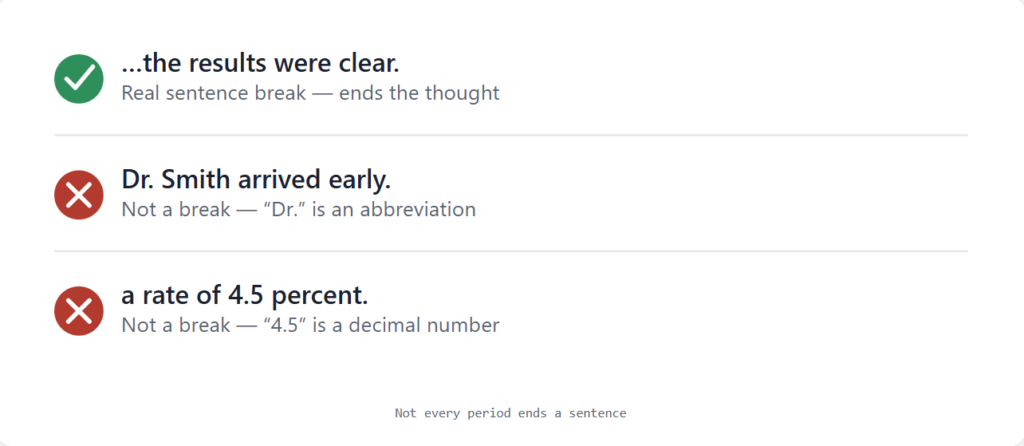
How This Tool Works
- Write your text in the input box (for example, an essay, a blog draft, an email, and a school assignment). There’s no length limit and nothing to upload.
- The counter reads it instantly as soon as you stop typing. This sentence counter online splits your text into sentences — correctly skipping over things like “Dr.”, “U.S.”, and “3.14” that aren’t real sentence endings.
- Then you can view your stats and correct long sentences, see the total number of words, total reading time, and see the breakdown to view which sentences are running long.
Features
Smart sentence splitting
It automatically identifies common abbreviations (Mr., Dr., e.g., U.S., a.m.), decimals and ellipses – it doesn’t miscount a sentence every time you write “3.5” or “Prof. Lee”
The best word sentence counter
Words, characters (with and without spaces), paragraphs, and average sentence length — all in one place, without browsing multiple tools for the same.
Sentence-length flags
Each sentence is assessed on plain language guidelines and marked Easy, Getting long, or Hard to read for easy identification of run-on sentences
Reading & speaking time
Not only articles, but also used in speeches, video scripts, presentations: see how long it takes time to read and say aloud.
Everything runs in your browser
There’s no server call. Your draft, essay, or client copy is created and disappears as soon as you exit the tab.
Mobile-first, fully responsive
Designed for mobile screens, scaled up — works on iPhone, Android devices and desktop.
Sentence Counter for Google Docs and Other Editors
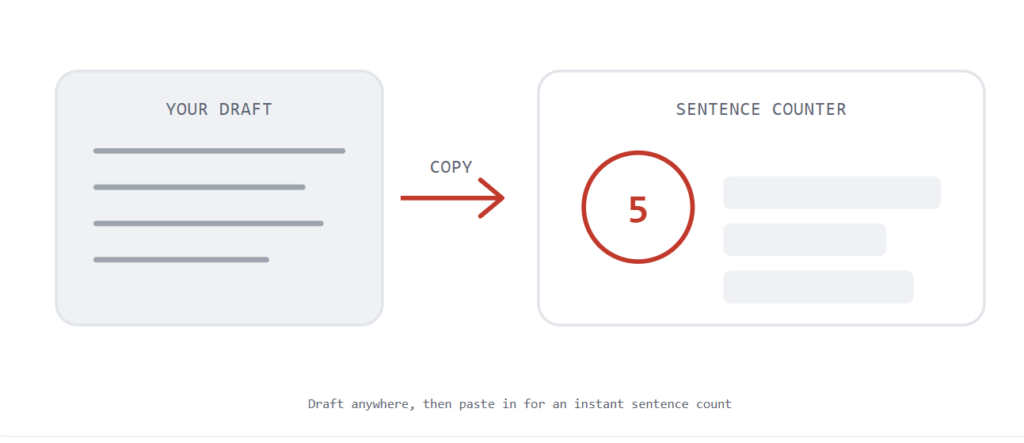
One of the most popular places to type anything is Google Docs, but they only count words, not sentences. If you need a sentence counter Google Docs tool that can be integrated directly, it’s easy to use this tool alongside it and simply copy and paste the text.
- Write your draft in Google Docs (or Word, Notion, or anywhere else you write).
- Select the text and copy it with Ctrl+C (or Cmd+C on a Mac).
- Paste it into the input box above.
- It quickly provides you with statistics about sentence count, word count, and readability flags.
It’s applicable to Microsoft Word, Notion pages, Slack drafts, or anywhere else you write. The pasted text is never uploaded, logged or stored as it is counted locally in your browser.
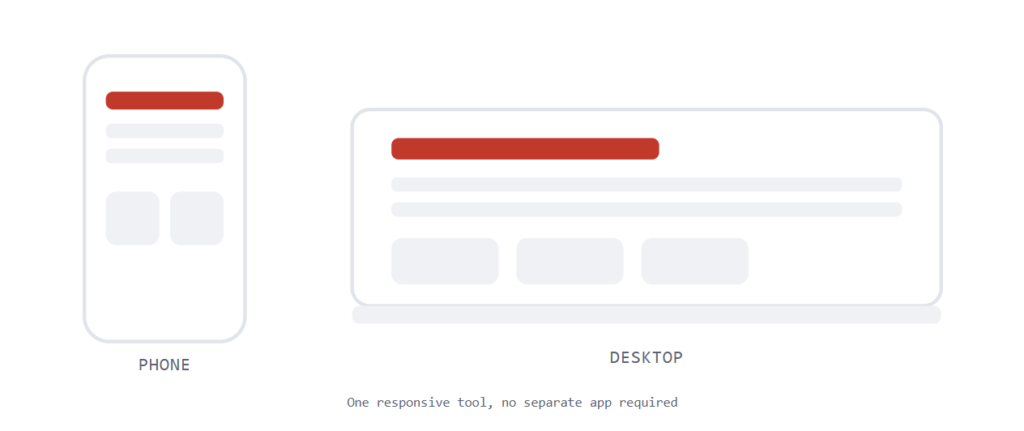
A Sentence Counter App, Without the App
Looking for a sentence counter app for your phone? No downloads are required. It is a tool designed for iPhone, Android, tablet or desktop.
- No store, no download and no permissions given.
- It works on a small screen like a phone as well as on a large screen such as a monitor.
- Add it to your home screen so that you can access it in one, just like an installed app.
Why Choose This Counter
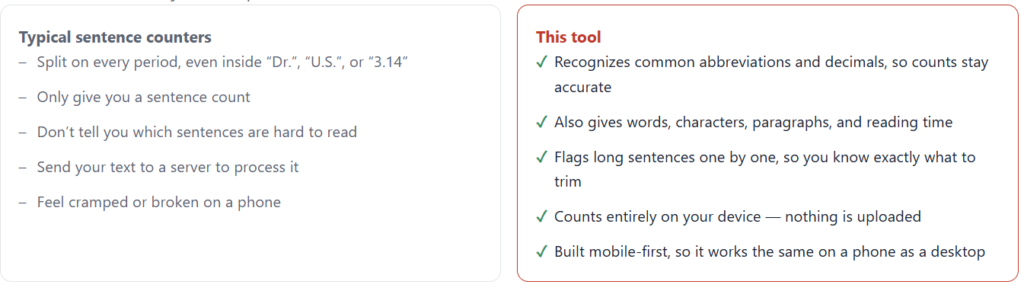
Most sentence counters just count periods. Here’s what’s different:
Frequently Asked Questions
How exactly count as a “sentence”?
A sentence is a piece of text that ends with a period, question mark or exclamation mark (or a combination, such as “?!”) The tool is also designed to look for common abbreviators, decimal numbers and ellipses, to avoid confusing them with sentence ends
Is this sentence counter really free to use?
Yes. It’s a completely free sentence counter with no sign-up, no word limit, and no watermark.
Does this tool store or upload my text?
No, it is done entirely in your browser, via JavaScript. Nothing is sent to a server, logged, or saved — when you close the tab, it’s gone.
Does Google Docs have a built-in sentence counter?
Not yet available — Google Docs shows a word and character count, but not a sentence count. Paste the text copied from Docs here to get a live sentence count along with all your other statistics.
Why does my count differ from other online counters?
Most basic tools count every period and a sentence with “Dr.” or “e.g.” or a decimal such as “4.5” is incorrectly counted as two or three sentences. This tool attempts to identify them in order to more accurately represent actual sentences. For truly ambiguous text, small variations in tools are still normal.
What’s a good average sentence length?
While there is no magic number, many style guides would recommend the average of around 15-20 words per sentence for easier reading.
Will I be able to use it on my phone as a sentence counter app?
Yes. It’s designed for mobile first, meaning all controls have been sized and spaced for touch screen usage and grow larger for tablet and desktop.